What Is Apple Log? A Simple Guide to iPhone Log Video
What is Apple Log? It is Apple's logarithmic video curve, designed to preserve more highlight and shadow detail than standard video so you can shape the color later. Log Cam: RAW 4K Video Camera records Apple Log too, including on earlier iPhones such as iPhone 12, 13 and 14. 1,2
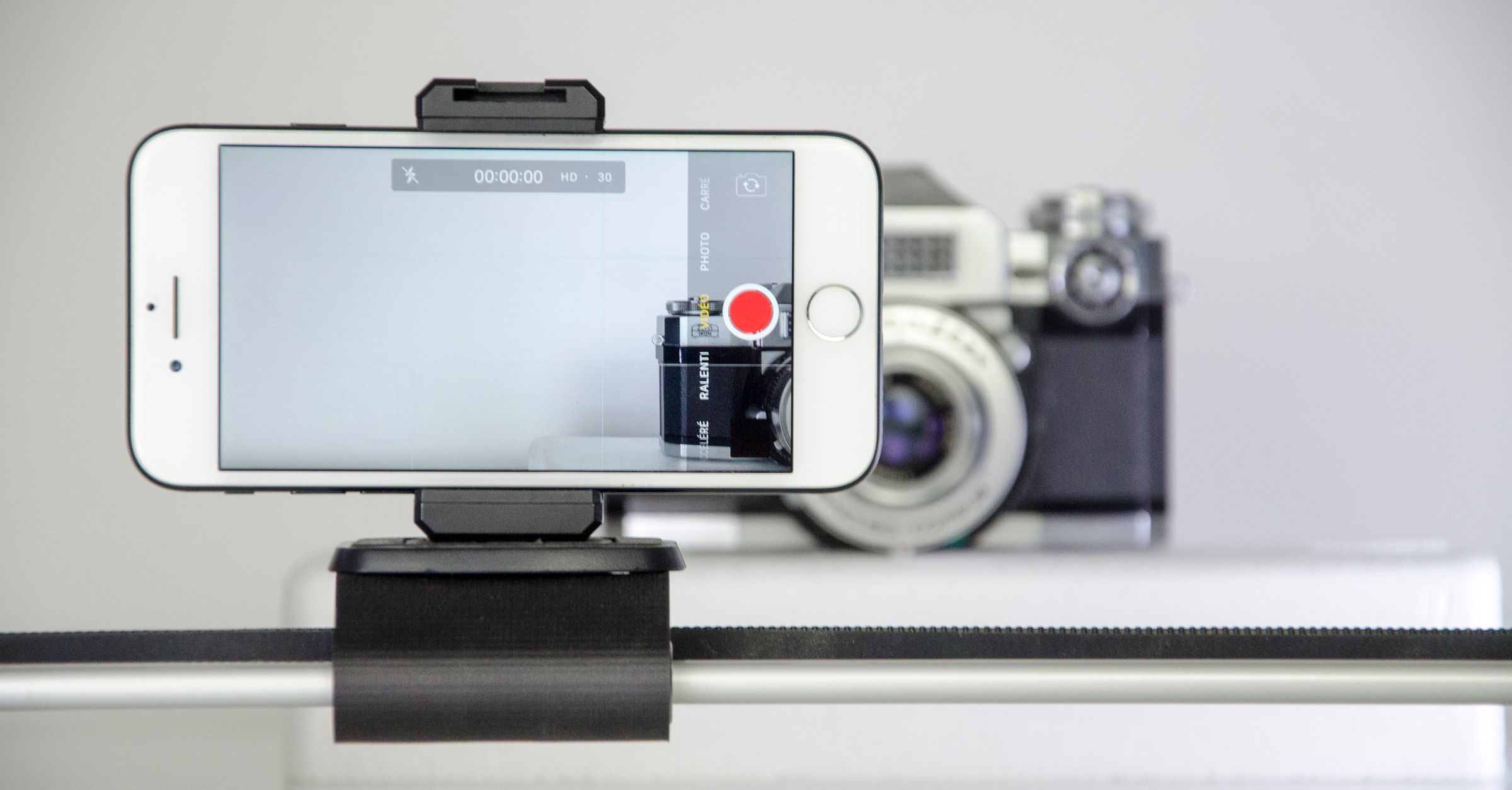
Why Apple Log looks flat
An Apple Log clip looks flatter and less saturated than ordinary iPhone video. That appearance is intentional: the log curve keeps more information across bright highlights and dark shadows instead of delivering a picture with its final contrast and color already applied.1,2
That extra room is what makes log useful when you want to decide later how bright areas, shadows, contrast and color should look. The flat picture is therefore a starting point for the finished video, not the finished look itself.1
What happens after you record
After recording, Apple Log is normally color graded in an editing app. Grading adds the contrast, saturation and color decisions that make the flat recording look finished while taking advantage of the highlight and shadow detail the log recording preserved.1
If you have never graded video before, a LUT gives you an easier starting point. Apple supports LUT previews that show Apple Log or Apple Log 2 in an SDR Rec.709 appearance, so you can see a more familiar picture while working with the log recording.2
Apple Log 2 and ProRes Log
The basic workflow is the same with Apple Log 2. The main difference is its wider color gamut, which gives you more flexibility when shooting and grading. In Final Cut Camera, Apple Log 2 requires an iPhone 17 Pro or later.2
ProRes Log is not a third Apple log curve. ProRes is the video recording format, while Log or Log 2 is the log format selected for that recording.3
If you're shooting log for the first time, Apple Log is enough to learn the workflow. Record the flatter picture, then grade it or use a LUT preview before deciding whether Apple Log 2 gives you anything you need.
Which iPhones can record Apple Log?
In Final Cut Camera, Apple Log recording requires an iPhone 15 Pro or later. Apple Log 2 requires an iPhone 17 Pro or later.2
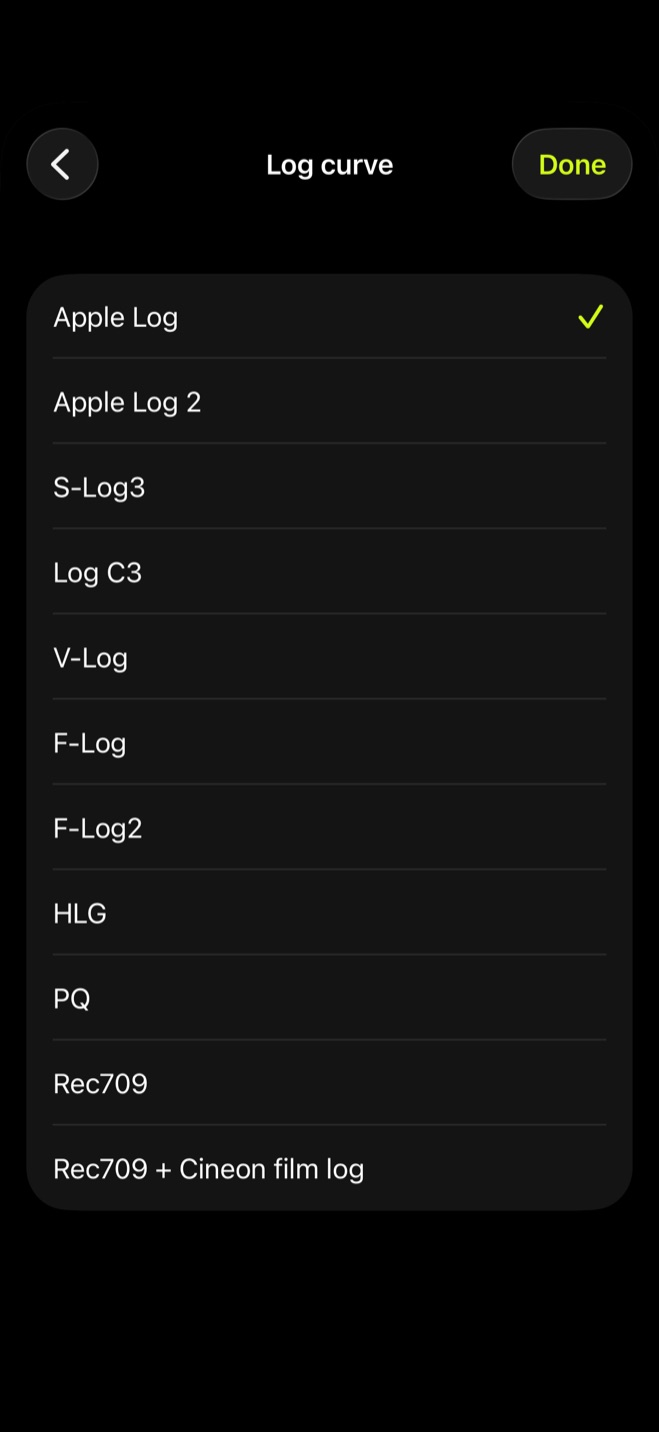
On a supported iPhone, Apple's Camera app can use ProRes Log after Apple ProRes is enabled in Camera settings. In Log Cam, open Settings, choose Log curve, then select Apple Log or Apple Log 2.4
Is Apple Log worth using if you have never graded video?
Apple Log is worth learning when you want more control over the final color and over how highlight and shadow detail is handled. If you mainly want a finished-looking clip straight from the camera, ordinary video is the simpler choice.1
| Recording choice | Look out of the camera | Work after recording | Best fit |
|---|---|---|---|
| Ordinary video | Color and contrast already applied | Usually ready to view with little additional work | Fast turnaround and a finished look straight from the camera |
| Apple Log | Flat and desaturated | Color grading, with a LUT available as a starting point | More control over highlight, shadow and final color decisions |
Sources
- 1.Apple Support, “About standard, log, and RAW video,” support.apple.com
- 2.Apple Support, “Set the video format in Final Cut Camera,” support.apple.com
- 3.Apple Support, “Record ProRes video with your iPhone camera,” support.apple.com
- 4.Apple Support, “About Apple ProRes on iPhone,” support.apple.com