Why do people shoot log video?
People shoot log video to preserve highlight and shadow detail for more freedom in color grading. It helps with a face against a bright window, hard sunlight on skin, or detailed clouds. Log also keeps grading options open when light changes between shots. Log Cam: RAW 4K Video Camera records log video for this workflow. 1,2,3
Key takeaways
- People choose log video to protect highlight and shadow detail and retain more freedom for color grading later.
- Choose log for backlit faces, hard sunlight on skin, detailed skies, and other scenes with wide brightness gaps.
- Log preserves more sensor information, which gives grading more room to shape contrast and color after capture.
- Choose log on fast-moving work because it keeps grading options open as light changes from shot to shot.
- Corporate, documentary, independent film, and branded documentary work use log when a polished cinematic finish still matters.
- If the workflow includes no grading, choose a finished-look camera workflow that delivers the intended display look instead of log.
Log in high-contrast scenes
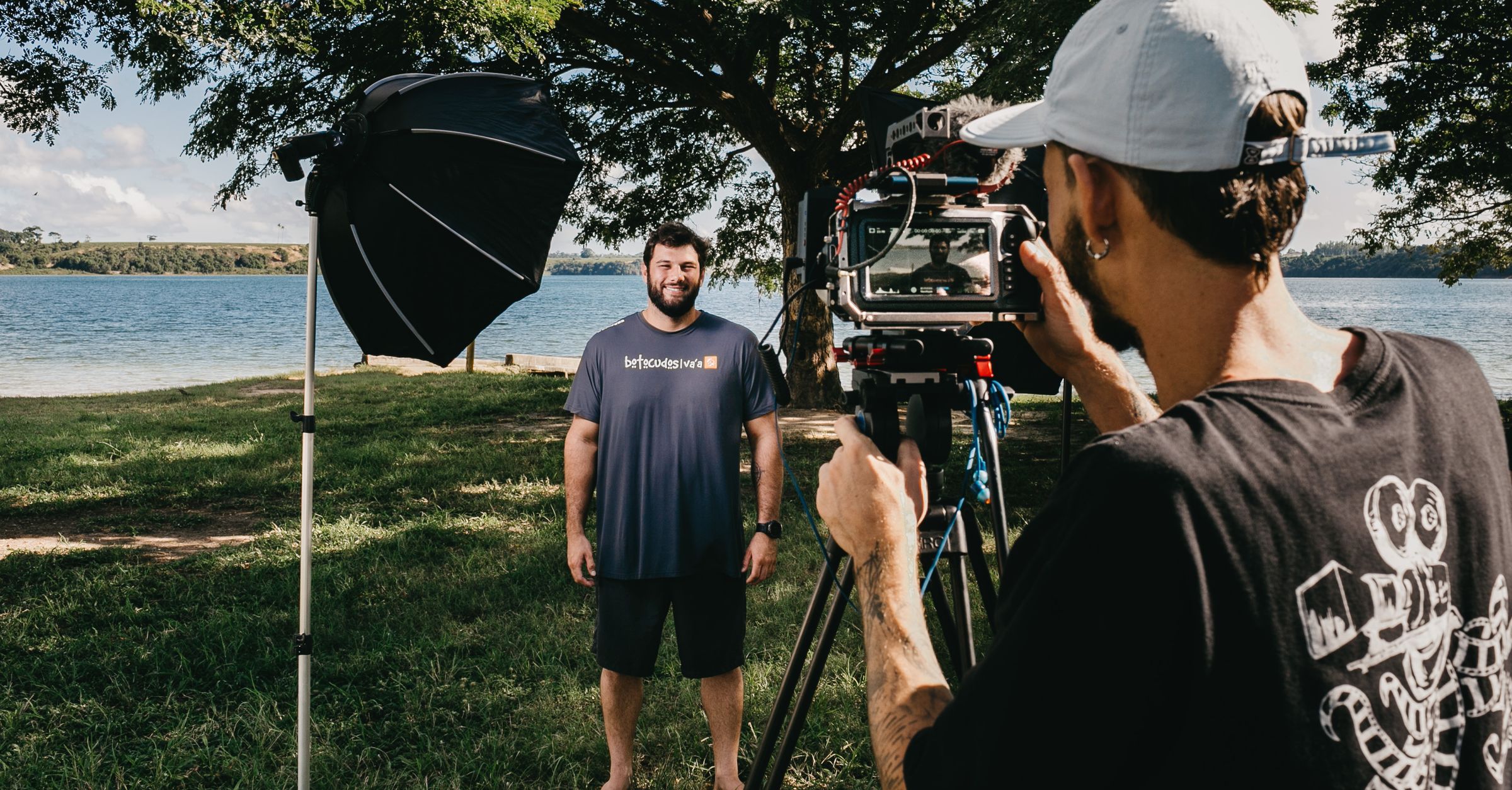
People choose log when one frame contains both bright and dark areas that matter. Sony names backlit scenes, bright sunlight, and skies because those subjects can lose gradation with a more processed capture. Log keeps more of that tonal information available for the edit, so the camera operator has more room to shape the final picture.1
Shots that make log useful
Log preserves exposure relationships before the final look
The mechanism starts in the curve. ARRI explains that logarithmic encoding keeps exposure stops in a linear relationship with the encoded signal across a wide range. Each 1-stop exposure increase raises the encoded signal by the same amount. That structure preserves exposure relationships before tone mapping and before the picture receives final display contrast.4
That preserved relationship matters because the display transform comes later. ARRI says log material needs tone mapping and a transform into the target color space before correct display. A 3D LUT can perform that conversion. The log clip therefore carries a capture-oriented encoding first, while the final contrast and color arrive later in the workflow.4
Retained detail gives you more grading options
Sony says log gamma curves preserve more information from the camera sensor, which gives color grading more flexibility. Apple makes the same practical point through highlights and shadows. When those areas retain detail, the editor can shape contrast and color before a display transform fixes one final look.1,2,4
That flexibility matters when the crew does not fix the final style at capture. A documentary interview can move from soft window light to a bright exterior, yet both clips still need one coherent finish. Log gives the grade tonal information from each scene, so decisions remain available after the camera stops.1,2
Light changes are easier to match after capture
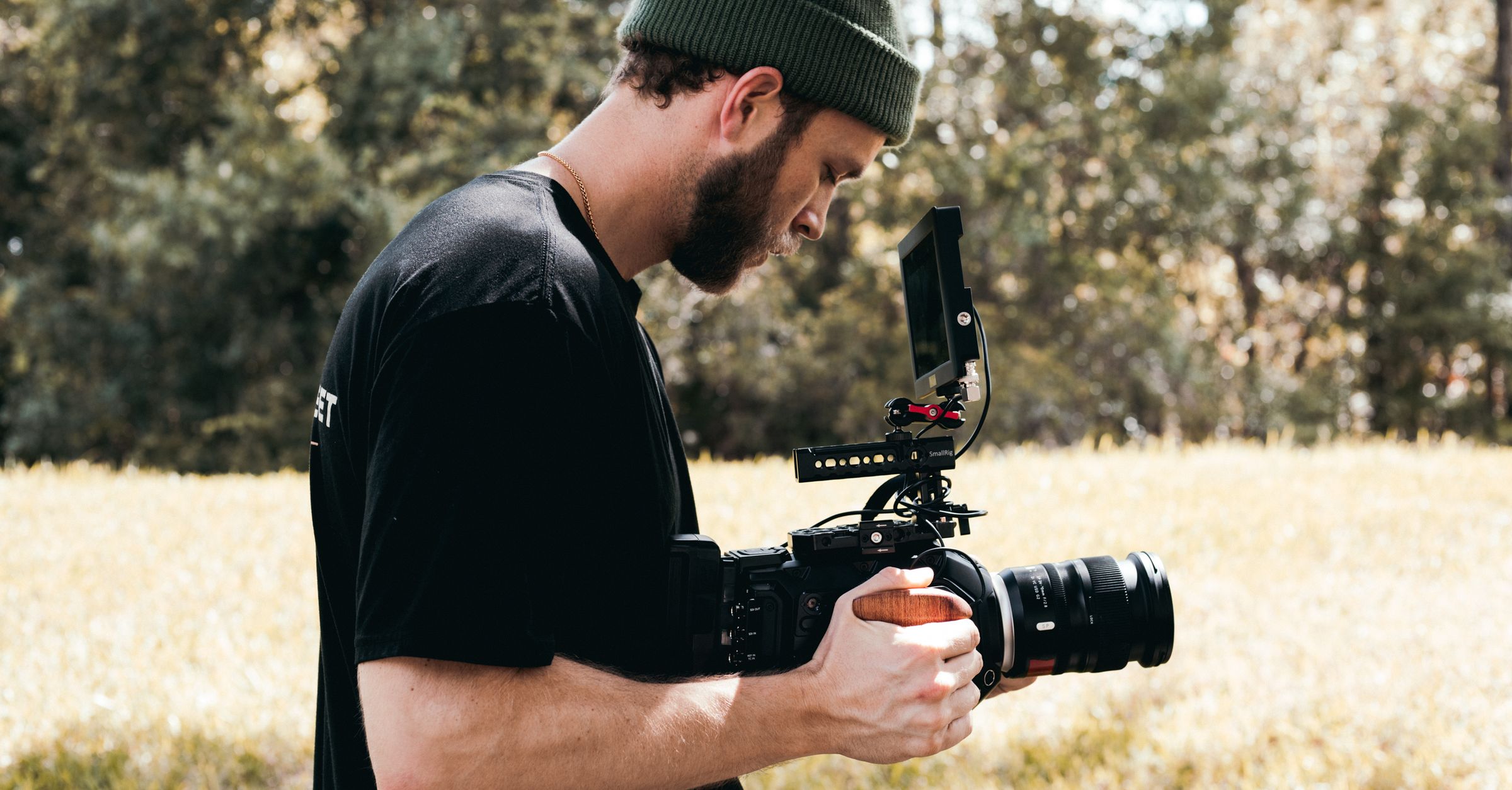
Apple describes log as a strong choice for fast-moving work where light varies because it keeps color grading options available. The benefit shows across a sequence of shots that must still feel consistent. A camera operator can protect detail across changes in light, then use grading to bring the sequence toward one visual direction.2
| Situation | What changes | Why log helps |
|---|---|---|
| Backlit interview | Subject and window brightness | Preserves gradation across bright and dark areas |
| Person in hard sunlight | Skin highlights and face shadows | Keeps more tonal information available for grading |
| Clouded landscape | Bright sky against darker ground | Retains detail that can be shaped later |
| Fast documentary sequence | Light from shot to shot | Keeps grading options available across the sequence |
Log fits productions that still want a polished grade
Apple names corporate, documentary, and independent film work as common places for log. Those projects can combine a cinematic finish with fast-moving work and changes in light. Apple also names branded documentary work when turnaround matters and the final result still needs a polished look.2
Use log only when grading is part of the plan
Log is not the right choice when the clip must already look finished and no grading step exists. Apple says log needs color grading because the unprocessed picture appears muted. In that case, choose a camera workflow that delivers the intended display look at capture.2
Frequently asked questions
- Do I need to color grade log video?
- Yes, log video needs color grading for its intended final appearance. Apple says the unprocessed picture appears muted before grading. Plan the grade before you record. 2
- Is log only for cinema productions?
- No, Apple names corporate, documentary, independent film, and branded documentary work as practical uses for log. The common reason is preserved detail and room for a polished grade. 2
Sources
- 1.Sony, “Shooting with S-Log for color grading,” support.d-imaging.sony.co.jp
- 2.Apple, “About standard, log, and RAW video,” support.apple.com
- 3.Mehmet Ali Kisacik, “Log Cam: RAW 4K Video Camera,” apps.apple.com
- 4.ARRI, “Log C | Image Science | Learn & Help,” arri.com